Up on the PCLinuxOS forums, a member shared with everyone a recent Windows computer repair expereince. Dragynn (His forum name) allowed me to share his comments.
“Just had a horrible run in with windoze 7. And it was truly a moment where I realized how grateful I should be.
“My neighbor’s mom, nice little old lady, got an HP mini, little netbook with an Atom cpu and a gig of ram, asks me to look at her machine …..(arrgh)…..Windoze 7, which in the first place should not be on a computer with specs this low….so ate up with malware, trojans, OEM garbageware, toolbars (spyware)….omg….it was running over 70 processes at idle, using 700-800 mb of ram, if you even touched anything the cpu spikes to 100%, the mouse jumps all over the screen, killed malware processes re-spawn themselves instantly, she’s already been locked out of un-installing programs……
“I just couldn’t do it, too much work…told her i’d be happy to wipe the whole thing and install something that worked, but no way i’m cleaning up that mess.
“And she’s a little old lady, all she does is surf a bit, and play some games, occasionally skype to her family….there is no way that somebody like that, should have her machine in that kind of state, in such a short amount of time. What a huge scam that is, it makes me a little sick to ponder on it for too long.
“And then I come home, to my shiny PCLOS desktop, 100 times faster than her machine on hardware that’s half a decade old (a lifetime in Moore’s Law-years), humming along at barely over 100 mb of ram at idle, it has never known a virus, any software I choose to install has been specifically packaged for my system, and absolutely safe…and FREE. Laptops that are over a decade old, and have 1/4 of the memory of her machine, run better than hers ever will.
“So, thank you. Thank you Texstar and all the PCLOS devs and contributors, for free-ing me from the nightmare that is that terrible corporate cartel and their lifelong death-grip on my wallet.”
Not to worry, Dragynn did fix the neighbor’s computer. But he installed Linux! (PCLinuxOS, to be specific).
His next post revealed his method.
“Fired up a liveUSB, she likes it a lot had to add a wireless package I missed putting on the iso, and having some small issue with right-click, I don’t ever use the touchpad on my laptops (I use USB travel mouse), so have to dig around in some settings I reckon. Oh man it is sooooooo much quicker on her machine, just unreal, she says it never ran that fast even brand new with windoze. It even dims the backlight properly on this little machine with no configuring needed. Ethernet detected immediately when I plugged that in, wireless connected instantly once I had the broadcom package installed, in fact there were several managed and unmanaged wireless signals found and it auto-connected immediately to the strongest unmanaged signal.”
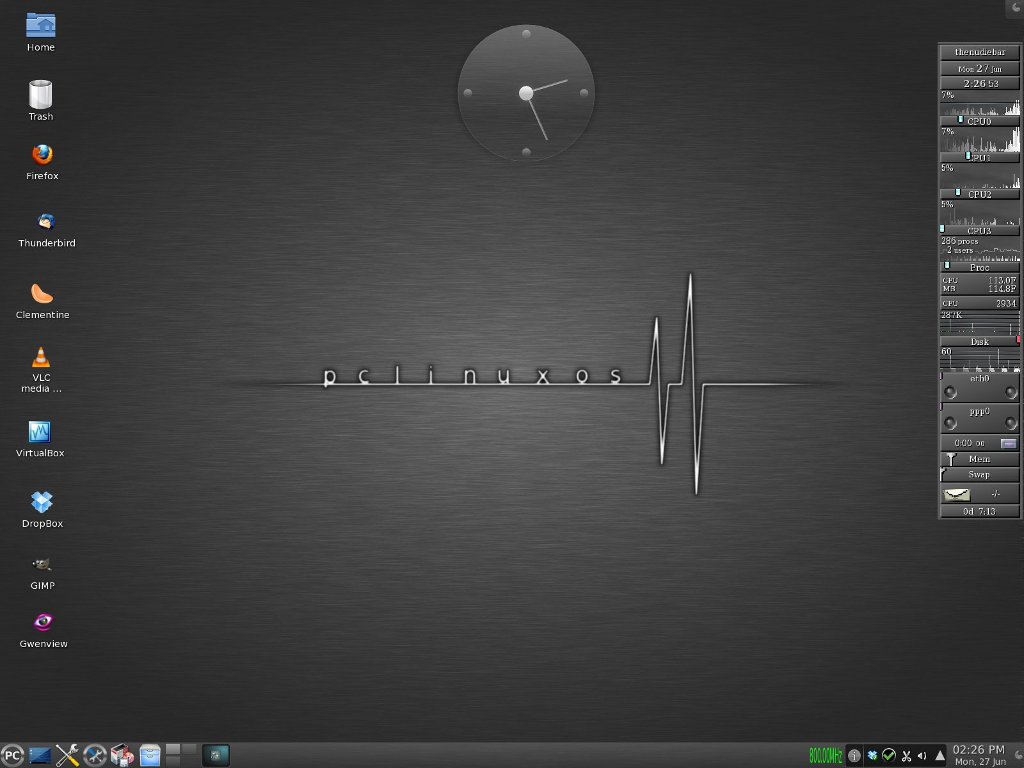
See? It’s easy! Install PCLinuxOS from a CD/DVD or right from a USB pendrive! Your system will run faster and be more secure. Best of all, it’ll be free of viruses and other Windows Malware.
Get Linux. Get PCLinuxOS.




 and
and  . Once you have a Kindle, all these classics books can be downloaded for free. No need to gas up the car and drive to a bookstore. No more buying boks online and paying for shipping. You can even borrow E-books from your local library!