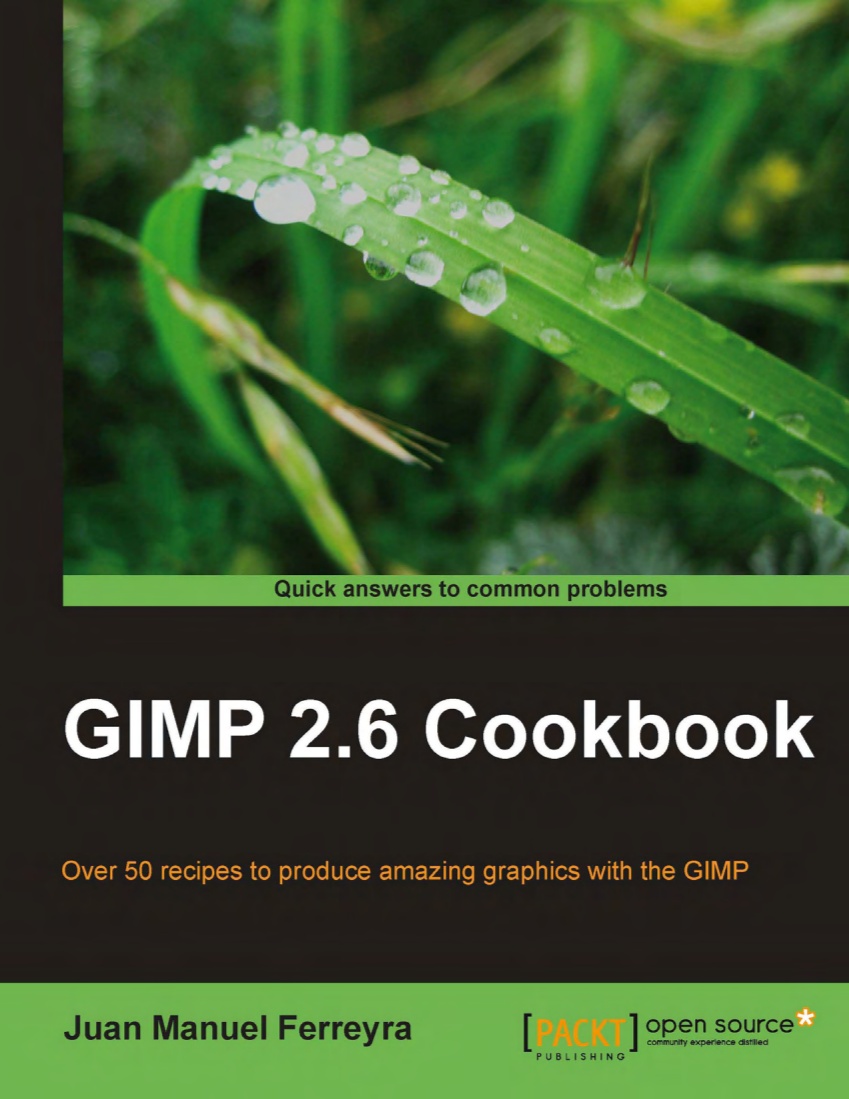
Gimp 2.6 Cookbook.  Over 50 recipes to produce amazing graphics with the GIMP.

Gimp 2.6 Cookbook. Over 50 recipes to produce amazing graphics with the GIMP.

I’ve been using graphic photo manipulation software programs for nearly 20 years. After using several, I’ve come to the conclusion that all of them are quite similar in features, bells, and whistles. The main difference comes in how they carry out the task at hand. That is to say, the menus, tool bars, and commands are laid out differently from program to program. So, migrating from one program to another isn’t difficult, it’s just that you need to learn (or relearn) the “moves” and menus in order to get the application to respond to your input.

If you’re a regular reader of this blog, you already know that my graphics application of choice is the Gimp (current version 2.6). The Gimp is a free, open source software application available with the Linux operating system. Gimp is also available for Windows and Mac.

After cutting my teeth on many other software programs on the Windows platform, I moved over to the Gimp when I switched to the Linux operating system. The minor challenge for me, as noted above, was relearning some of the moves in order to get the Gimp to do what I wanted it to do.

This is why I LOVE the Gimp 2.6 Cookbook by Juan Manuel Ferryera so much! How I wish this book was available when I made the switch to Linux and the Gimp! It would have made the transition much easier. A lot of my questions would have been answered in one place rather than spending countless hours on Google trying to track down some of the information I needed.

The Gimp 2.6 Cookbook is a terrific combination of step by step tutorial along with being an introduction to The Gimp and all its features. The book, when followed sequentially, chapter by chapter, gives the user a good foundational understanding in how to use the Gimp. You build your understanding of how to use the program form the ground up.

The challenge in using The Gimp sometimes comes from not having enough good instructional books available to learn the program.  It’s important to learn the moves, so to speak. Once you know some of the basics, you can build on doing more and more complex projects.  The Gimp 2.6 Cookbook – Over 50 recipes to produce amazing graphics with the Gimp does just that!  It’s a wonderful resource manual to learn the Gimp! I love this book!

Juan starts you with simple tasks, increasing the level of difficulty with each chapter. As the difficulty increases, you’re introduced to new tools and methods to accomplish the task.  In this way, you learn more about the program.  You learn where the tools and filters are located and how to incorporate them into the various tasks.

Juan also encourages the user to experiment. That’s where the fun in using Gimp comes into play. Juan recognizes that there are many approaches to achieving the same result. He shows you the most common and fundamental path. By encouraging experimentation, the user can teach themselves new ways to to achieve a desired result. In so doing, the power of the Gimp is really unleashed. It becomes a continual process of uncovering new tools and methods to reveal a new way to edit an image.

Many times, while using this book, I’ve said to myself, “Oh! So THAT’s how you do it!” Which means, I’ve learned a new process from Juan or realized that there’s a better way to editing an image than the one I’ve been using.
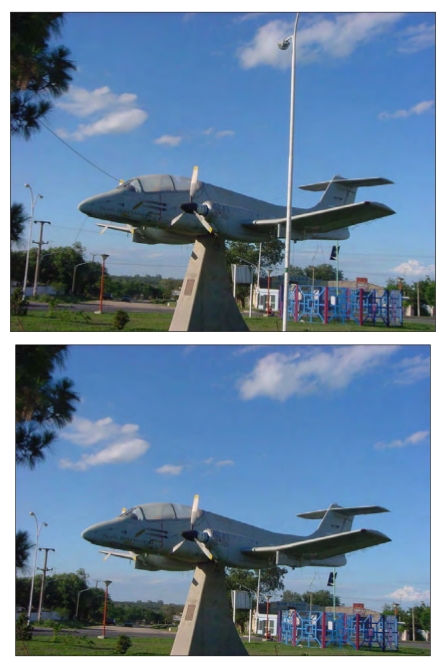
With the Gimp 2.6 Cookbook, learn cloning basics to transform the top photo into the bottom photo!

With the Gimp 2.6 Cookbook, learn cloning basics to transform the top photo into the bottom photo!

The book shows you how to use color, paint tools, cloning, filters, effects, text, fonts, photo manipulation, etc. The Gimp 2.6 Cookbook covers all the bases!  It shows you HOW to achieve professional results, step by step! It gives you a great start and, as you actual go through each lesson, you can actually have some finished pieces to add to your portfolio.

Whether your a beginner or seasoned pro, Gimp 2.6 Cookbook is incredibly helpful. Even after 20 years of using graphics editing software, I’ve learned some new techniques and methods, and gained a new understanding in using Gimp. I know l’ll be pulling this book out from time to time as new photo editing/cartooning projects come along.


The Gimp 2.6 cookbook is available from Packt Publishing.


Share

ncs logoThis past Saturday, The National Cartoonists Society gathered in Boston for the annual Reuben Awards.

It was an extra special night as the NCS  awarded Ohio State Professor Lucy Shelton Caswell the Silver T-Square.   “THE SILVER T-SQUARE is awarded, by unanimous vote of the NCS Board of Directors, to persons who have demonstrated outstanding dedication or service to the Society or the profession.”   And Lucy fits that description perfectly.

Lucy is well known in cartooning circles and academia as the founder and first curator of the Cartoon Research Library.  Since it’s creation in 1977, it has grown into a world renowned library and museum housed at the Ohio State University and renamed the  Billy Ireland Cartoon Library & Museum.

Wikipedia has some terrific background information concerning Lucy and the library and museum here.

Congratulations, Lucy, on being awarded the Silver-T!  Very well deserved!


Share

Back in my college days (Oh,I am SO dating myself here), turntables, amplifiers, tone arms, and stylus cartridges were all the rage.  These audio-phonic devices gave you music!

It wasn’t unusual to see a college student sitting in his dormitory room or fraternity house pouring through  milk crates filled with  33 1/3 vinyl albums.

It was a far cry from i-pods, MP3s, and digital music.  Taking your music collection to college with you involved hauling around a lot of equipment, not to mention all the stacks of wax. (Now you understand why cars were so much larger back then!)

I discovered this YouTube channel where you can take a step backward and see how music was played on turntables and tape decks.

The channel’s creator also uses a very clever visual device in presenting the album notes and other technical data.  A real treat and very creative.

For those of you who are old enough to remember this “technology,” it’ll be a nice walk down memory lane. For those who’ve never seen this before, you just might be surprised at how organic and “hands on” it is.  Handling a large album and placing it on a turntable platter really connected you to the music.

└ Tags: , , ,

Share

The computer has been a tremendous help in the studio.  It’s my cartoon assistant, bookkeeper, research assistant, etc.

However, the really big advantage with my computer is having  it run Linux.

The Linux operating system has allowed me to implement some really terrific software programs. (Not to mention that it’s more stable and secure then Windows and isn’t affected by Windows’ malware, viruses and Trojans.)

And the big plus is, these programs are Open Source and absolutely free.  And many of these software applications are every bit as as powerful and feature rich as their commercial counterparts.

One such program is Scribus.  I use it all the time. It’s indispensable.  And, in the above video, you’ll see a brief overview of how Linux and Scribus helps me in creating my comic strip George.


Share
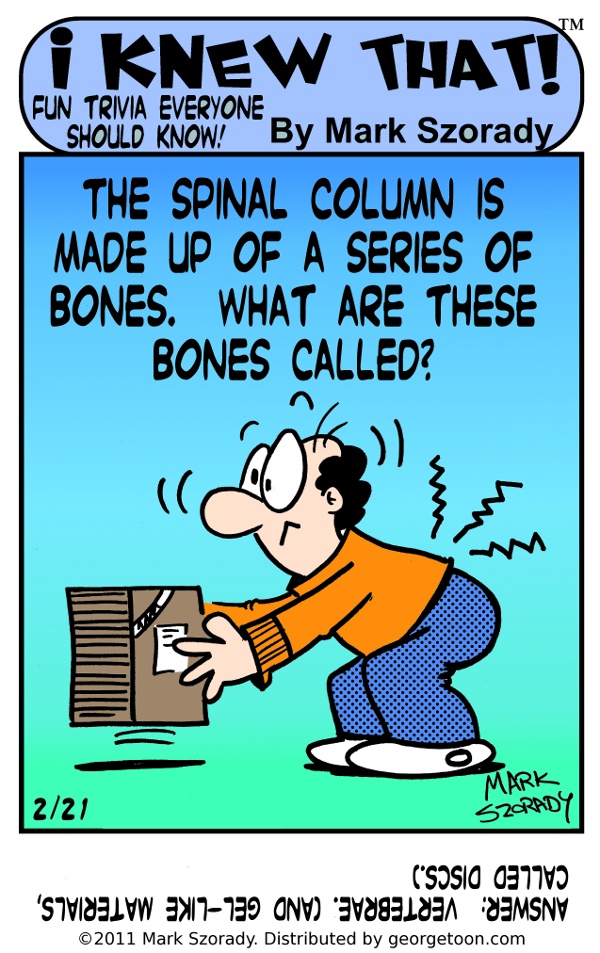
I Knew That back cartoon color

Pilates will help strengthen your core mucles including those in your back.

I discovered a great exercise system a few years go.  It’s called Pilates and it strengthens your core muscles and improves your elasticity.

You can get a terrific  introduction to Pilates in the book  Pilates for Beginners.

I have this book.  It served as my introduction to Pilates. I highly recommend it.

I first discovered Pilates a couple of years ago when I strained my lower back.   Since practicing Pilates, my back has become quite strong and resilient…until a few day ago.

Suffice to say, I slacked off a bit on my Pilates exercises and WHAM!  I strained my lower back.  And it didn’t take much.

Point is, if you’re like me and spend a lot of time in front of the computer or behind a desk, you need to get some physical activity. (As soon as my back heals, I’m starting my Pilates program again. this blog post will serve as a constant reminder!)  And physical activity not only recharges our batteries, but helps in shaking out the cobwebs so we can get back in a creative mood.

Pilates is a terrific exercise method.  It challenges your muscles and requires constant mental focus.  It’s important to keep form during the movements in order to achieve the optimum results.

All you need to get started is your own person and a piece of floor/mat to do the various moves.

The cost is next to nil. Pick up the book at amazon.com or the local library, get on your workout clothes, and you’re ready to go!  No health club membership required!

And, please remember, check with your doctor to make sure you are able to undertake any exercise routine.


Share